
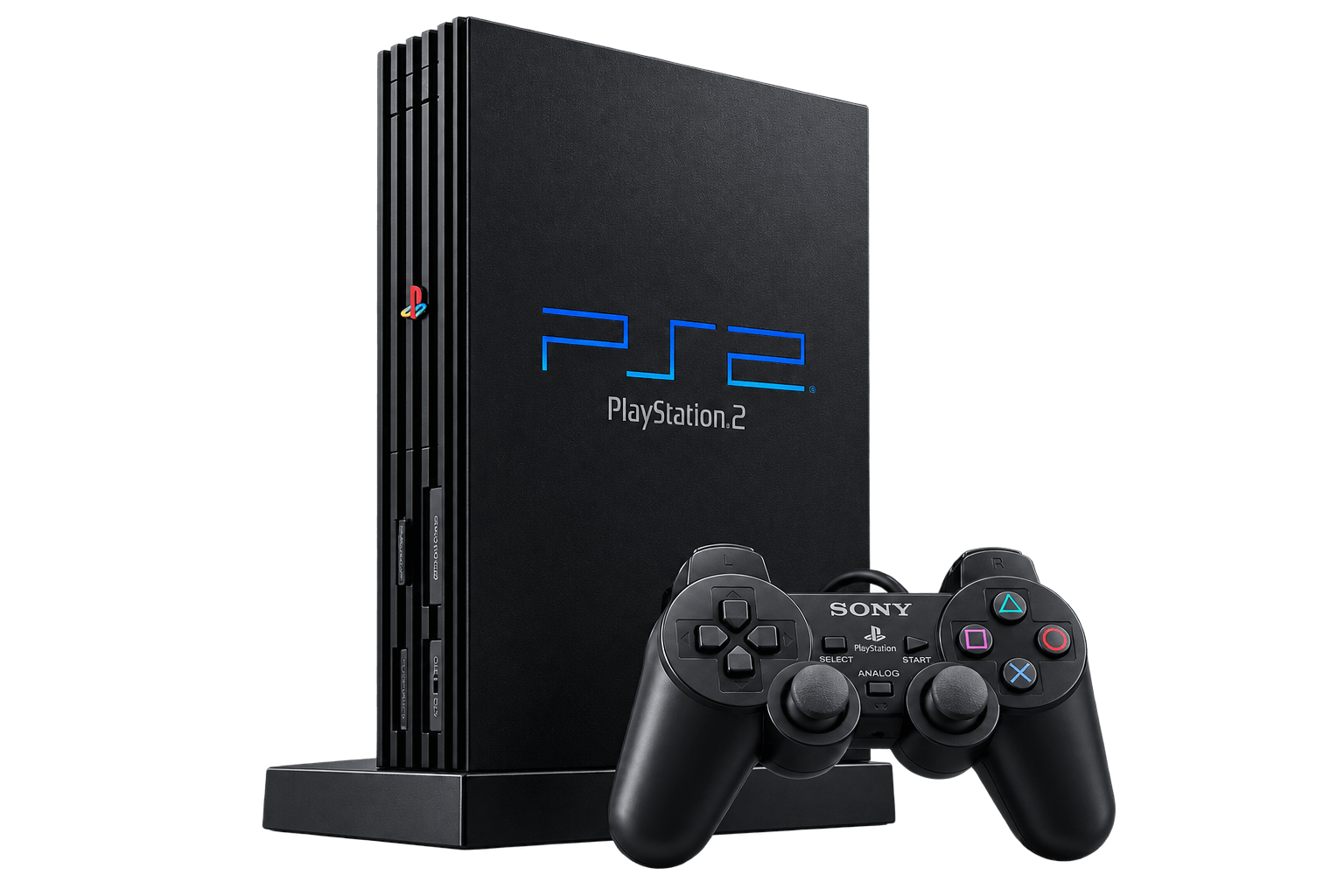
PS2 BIOS requirements
PCSX2 requires a BIOS dump from a PlayStation 2 console. Installing the emulator does not provide the BIOS files. You will need to obtain your console’s dump separately and select it during configuration.
Your PS2 console
Follow the project’s instructions for dumping the BIOS from your own PlayStation 2.
Your BIOS files
Keep the original dump backed up and store the working files in an accessible folder.
PCSX2 emulator
Use the official emulator and check its setup instructions for your operating system.
What is a PlayStation 2 BIOS?
The BIOS contains system software used by the PlayStation 2. PCSX2 uses a compatible BIOS dump as part of the emulated console’s environment.
BIOS files are separate from the emulator, game files, memory-card saves and controller settings. A PS1 BIOS does not replace the PS2 BIOS required by PCSX2.
How to obtain your PS2 BIOS
Start with the PCSX2 project’s BIOS documentation. It explains how to dump the BIOS from your own console and what you need for the process.
Use the official BIOS guide
Follow the method suitable for your console and equipment. Read the instructions before preparing a USB drive or running a dumping tool.
Open the PCSX2 BIOS documentationAfter creating your dump, keep an untouched backup. Use a separate copy for emulator configuration, and retain the original filenames.
Check your BIOS files
Before configuring PCSX2, confirm that you can locate the files produced by the dumping process. If they are stored in an archive, extract them into a folder first.
- Check that you selected the folder containing the actual files, rather than an empty parent folder.
- Keep your BIOS files separate from game images and memory-card saves.
- If PCSX2 does not detect a BIOS, review the dumping instructions and the selected directory.
- Avoid renaming unrelated files to make them appear to be BIOS files.
Set up your PS2 BIOS in PCSX2
The exact interface can vary between PCSX2 versions, but the initial configuration follows these steps.
-
Install PCSX2
Get PCSX2 from its official project website. Follow the installation instructions for your operating system.
-
Select your BIOS folder
Place your console’s BIOS dump in a folder you can find. Choose that directory in the setup wizard or BIOS settings.
-
Choose a detected BIOS
Select the appropriate BIOS entry shown by PCSX2, then continue with controller and game-library configuration.
PS2 BIOS not found?
Start by checking the BIOS directory. A selected folder containing an archive, a shortcut or another folder may not expose the files PCSX2 needs.
- Extract archived files before selecting the folder.
- Confirm that the selected directory is accessible.
- Check that you are using a PS2 BIOS dump, rather than firmware for another console.
- Review the official BIOS guide if detection continues to fail.
If the BIOS is detected but a game does not run, check the emulator’s game compatibility and configuration guidance separately.
PS2 BIOS FAQs
Does PCSX2 include a PS2 BIOS?
No. You supply a compatible BIOS dump separately and select it when configuring the emulator.
Can I use a PS1 BIOS with PCSX2?
A PS1 BIOS does not replace the PlayStation 2 BIOS required by PCSX2.
Where should I put my PS2 BIOS files?
Store them in a folder you can locate and access, then select that folder in PCSX2’s BIOS configuration. Follow the instructions for your installed version.
Are BIOS files the same as PS2 games?
No. The BIOS is console system software. Game files and memory-card saves are separate parts of your setup.
Where can I find BIOS dumping instructions?
Use the official PCSX2 BIOS documentation for instructions on dumping your own console’s BIOS.