BIOS
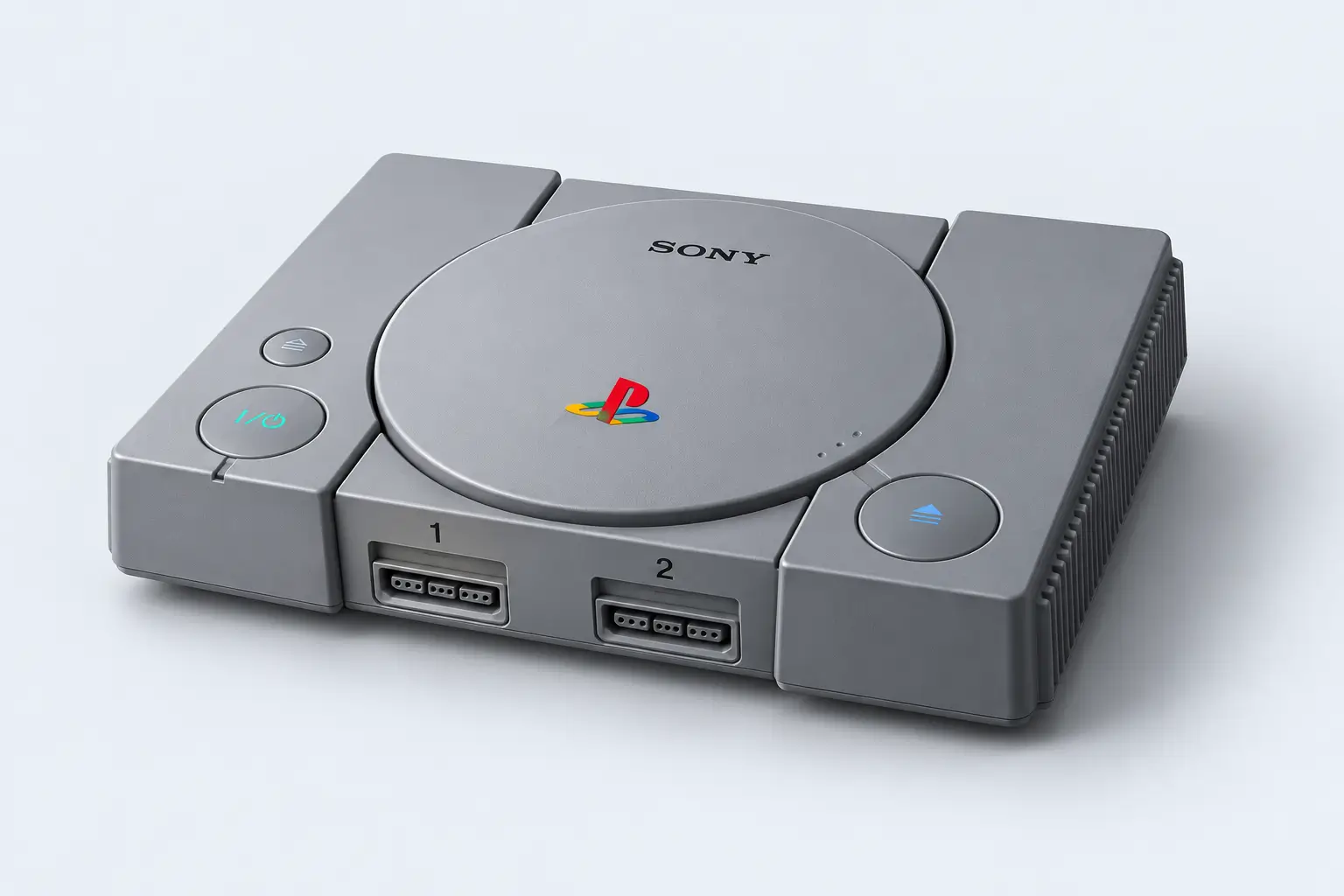
PS1 / PSX BIOS
Find PS1 and PSX BIOS resources for DuckStation, compatible RetroArch cores and original PlayStation emulation.


Find PlayStation BIOS resources for PS1 and PS2, plus official firmware for PS3, PS4 and PS5. Explore PS BIOS setup guides and compatible emulators.
Choose your PlayStation to find BIOS resources, official firmware downloads, emulator information and setup guides.
Find PS1 and PSX BIOS resources for DuckStation, compatible RetroArch cores and original PlayStation emulation.

Explore PS2 BIOS dumping resources and learn how to add your PlayStation 2 BIOS files to PCSX2.
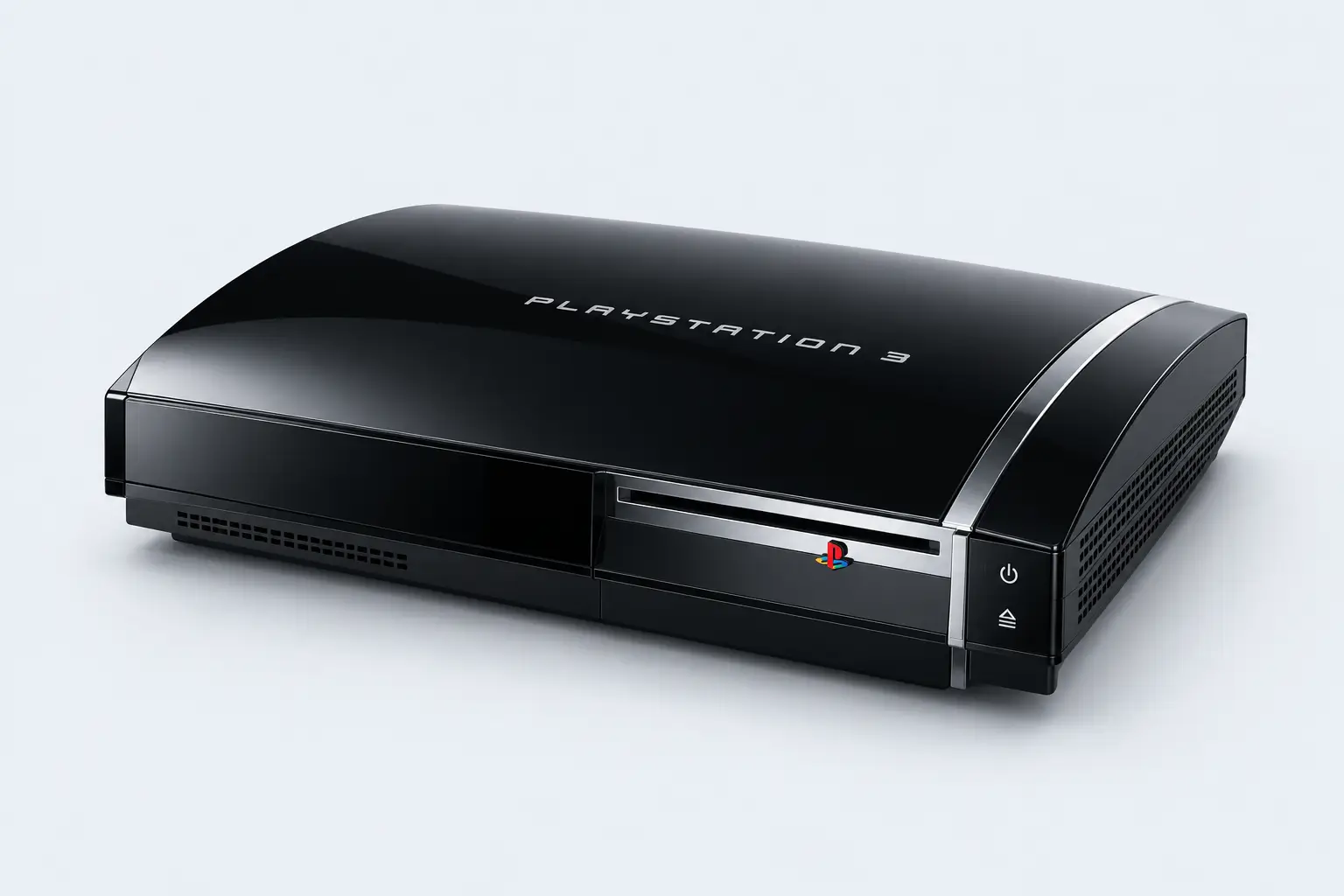
Looking for PS3 BIOS? Download the official PS3 firmware used by RPCS3 and follow the installation guide.
Official firmware →No consoles found. Try “PS2”, “BIOS” or “firmware”.

Official PlayStation 4 updates and reinstallation files.

Official PlayStation 5 updates and reinstallation files.
PS1 and PS2 resources cover BIOS files dumped from your own console. PS3, PS4 and PS5 firmware links open Sony’s official download pages.
Explore PS1, PS2, PS3 and PS4 emulator projects, with official links and BIOS or firmware setup resources.

A PlayStation emulator focused on accuracy, performance and playability. Start with the official project and configure your own PS1 BIOS dump.
A simple process to get you set up and running.
Get the right BIOS resources or official firmware for your PlayStation system.
Pick an emulator project and check its requirements and setup guide.
Follow the setup resources, configure your files and start playing.
Learn how to configure PS1 BIOS, PS2 BIOS and PS3 firmware with your chosen emulator.
A step-by-step starting point for adding your own PS1 BIOS dump to DuckStation.
Prepare your PlayStation 2 BIOS files and select the correct directory in PCSX2.
Find Sony’s official PS3 firmware package and the RPCS3 installation resources.
Answers to common questions about PS BIOS files, PlayStation firmware, emulators and setup.
BIOS files contain console system code used during startup. PS1 and PS2 emulators commonly need a BIOS image supplied separately from the emulator and your games.
In original PlayStation emulation guides, PS1 BIOS and PSX BIOS generally refer to the same console’s system files. Check your emulator’s documentation for supported BIOS versions.
RPCS3 uses PlayStation 3 system firmware. If you are searching for PS3 BIOS, Sony’s official PS3 firmware package is the system software to look for.
Sony’s support pages provide official system software updates and reinstallation files for PS4 and PS5. Use the console links above to visit the correct source. Reinstallation packages erase console data; follow Sony’s instructions.
Use the emulator project’s instructions to dump the BIOS from your own console. This page links to those resources; it does not host proprietary Sony BIOS files.
Explore PlayStation BIOS resources, official firmware and emulator setup guides.